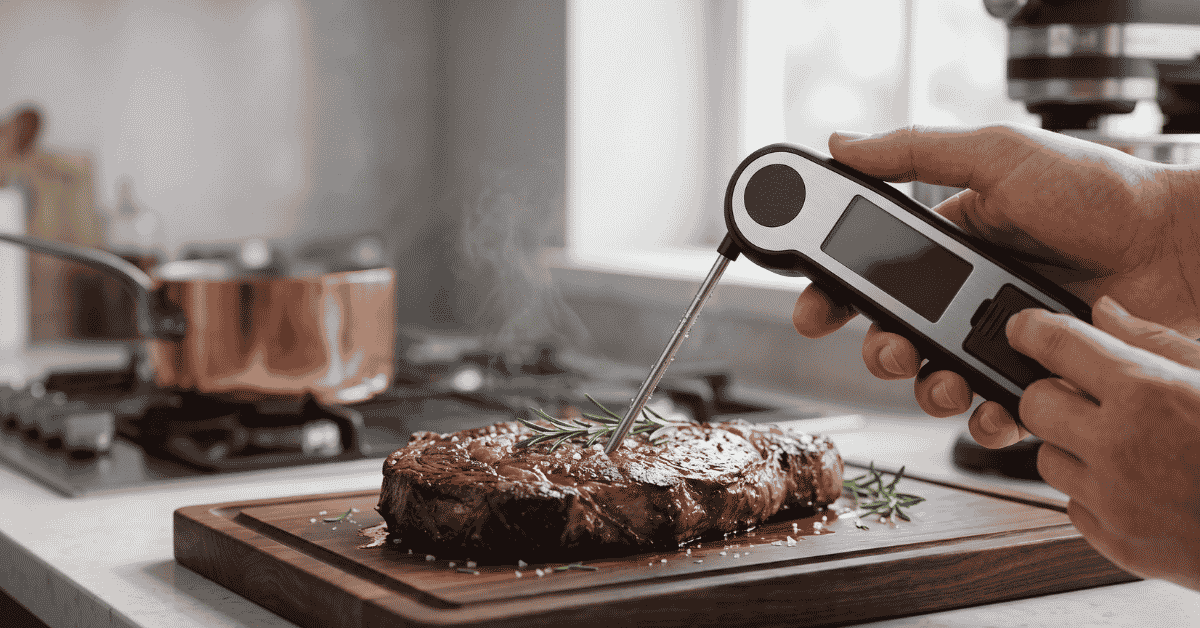
You’ve got a prime rib in the oven or a batch of chicken thighs on the grill. You reach for your digital thermometer to check the internal temperature, but the screen stays blank. Or maybe it’s showing weird, half-formed numbers that look like ancient runes.
It is a frustrating moment that usually happens right when timing is most sensitive.
Quick Answer: Most meat thermometer screen issues stem from a dead battery, moisture trapped inside the casing, or a loose probe connection. To fix it, replace the battery with a fresh one, dry the unit in a bowl of rice for 24 hours if it got wet, and reset the device using the small pinhole button on the back.
Why Digital Screens Fail and How They Work
A digital meat thermometer relies on a liquid crystal display (LCD) or an LED screen to show you the data sent from the thermal probe. These screens are sensitive to three main things: power stability, temperature extremes, and moisture. When one of these factors goes out of balance, the screen is the first thing to show signs of trouble.
Most of these gadgets use low-voltage coin cell batteries (like a CR2032) or AAA batteries. Because the power draw is so low, a battery might have enough juice to turn a small indicator light on but not enough to “drive” the crystals in the LCD. This leads to faded numbers or a screen that flickers and then dies.
Environmental stress is the other big player. While the probe is made for heat, the plastic housing and the screen are not. If the main unit sits too close to a hot grill lid or a steaming pot, the internal components can expand or warp.
This breaks the contact between the circuit board and the screen, leading to those annoying “missing segments” in the numbers.
The Impact of Humidity and Steam
Kitchens are wet places. Even if you never drop your thermometer into a sink of soapy water, steam is a silent killer for electronics. When you open an oven door or lift a grill lid, a massive cloud of moisture hits the device.
If your thermometer isn’t rated for high water resistance (like IP67), that steam can seep into the casing. Once inside, it creates a thin film of conductive liquid across the electronics. This causes minor short circuits that might not break the device permanently but will absolutely stop the screen from displaying data correctly.
Electrical Resets and Static
Sometimes the software inside the thermometer just hangs. It’s a tiny computer, after all. Static electricity from your clothes or even a sudden spike in heat can cause the internal processor to freeze.
In these cases, the screen might show a frozen number that doesn’t change even when you pull the probe out of the meat. A hard reset is usually the only way to clear the memory and get the display refreshing again.
Basic Steps to Restore Your Display
Before you toss the thermometer in the trash, follow these steps in order. Most “broken” screens are actually just stuck or underpowered.
1. The Battery Swap and Terminal Check
Don’t just trust that the battery is “new” because you bought it last year. Coin batteries lose voltage even sitting in a drawer. Remove the old battery and look at the metal contacts inside the compartment.
Use a dry cloth or a cotton swab with a tiny bit of rubbing alcohol to clean those tabs.
If the metal tabs look flat, they might not be making a solid connection. Carefully use a small screwdriver to bend the tabs up just a millimeter or two. This ensures they press firmly against the battery.
Once you pop the new battery in, the screen should jump to life with high contrast.
2. The Drying Technique
If you suspect moisture (maybe you saw some fog behind the clear plastic), do not try to “cook” the water out by putting it near the heat. This will only damage the plastic and potentially melt the glue holding the screen together.
Instead, take the batteries out and leave the battery door open. Place the thermometer in a sealed container filled with uncooked rice or silica gel packets. Leave it there for at least 24 hours.
This pulls the microscopic water droplets out of the internal circuitry. After a full day of drying, replace the battery and check the screen.
3. Deep Reset and Probe Re-seating
Many digital thermometers have a tiny “Reset” hole on the back or inside the battery compartment. You’ll need a paperclip to press it. Hold the button down for five to ten seconds while the batteries are in.
This forces the firmware to reboot and can often clear a blank or frozen screen.
Also, check the probe. On many models, the screen won’t show a reading (it might just show “—” or “LLL”) if the probe isn’t pushed all the way into the jack. Unplug the probe, wipe the metal plug with a dry cloth, and jam it back in firmly.
You should hear or feel a “click” when it seats properly.
Practical Fixes for Common Display Errors
The type of error you see on the screen can tell you exactly what is wrong. You don’t always need to do a full teardown to figure it out.
- Faded or Ghosting Numbers: This is almost always a battery issue. The voltage is too low to fully darken the LCD segments.
- “HHH” or “Hi” Error: This doesn’t mean the screen is broken. It means the probe has detected a temperature higher than its limit (usually above 572°F or 300°C). This can happen if the wire touches a hot grill grate. Let it cool down, and the screen should return to normal.
- “LLL” or “Lo” Error: This is the opposite. It means the temperature is below the meat thermometer’s range. It often shows up when you turn it on in a cold room.
- Blackened Screen: If the screen looks like a dark ink blot, it has likely been “sunburned” or overheated. This happens when the unit sits too close to the heat source. In some cases, letting it cool down in the fridge for ten minutes will fix it, but if the liquid inside the LCD has “cooked,” the damage might be permanent.
When the Sensor Probe Is the Real Culprit
Sometimes the screen is working fine, but the data reaching it is garbage. This makes it look like the screen is malfunctioning. The wires inside the braided metal probe cable are incredibly thin, about the thickness of a human hair.
If you kinking the wire, pinch it under a heavy grill lid, or get the junction (where the wire meets the metal probe) wet, the signal will fail. A common trick for a “broken” screen that shows erratic numbers is to bake the probe (not the screen unit!) in an oven at 250°F for half an hour. This dries out any moisture inside the probe itself.
Note that you must keep the plastic screen unit outside the oven during this process.
Edge Cases: Why Some Fixes Don’t Work
There are times when no amount of drying or battery swapping will help. If you’ve dropped the thermometer on a tile floor, you might have cracked the “zebra strip.” This is a small, flexible conductive strip that connects the glass screen to the circuit board. If this strip shifts even a fraction of a millimeter, several segments of the numbers will disappear.
To fix this, you would have to take the casing apart and manually realign the screen. For most people, this is more trouble than it’s worth. Also, if the thermometer has been submerged in water (like falling into a sink of dishwater), the corrosion can start almost instantly.
If you see green or white crusty buildup on the circuit board after opening the battery door, the unit is likely toast.
According to safety guidelines from the USDA, accurate temperature readings are vital for preventing foodborne illness. If your screen is flickering or giving inconsistent readings even after a fix, it is safer to replace the unit than to guess if your pork is at 145°F.
Common Mistakes to Avoid
When trying to get a screen working again, many people accidentally make the problem worse. Avoid these common pitfalls:
- Using “Old” Batteries: Using a battery you found in a junk drawer often leads to a screen that dies again halfway through a cook. Always use a fresh-from-the-pack battery.
- Hairdryers on High Heat: Using a hairdryer to dry out a screen can melt the internal solder or warp the LCD film. If you use one, keep it on the “cool” or “low” setting and hold it at least 12 inches away.
- Submerging the Whole Unit: Never wash the main body of the thermometer under a tap. Even “water-resistant” models have limits. Use a damp (not dripping) cloth to wipe the screen.
- Ignoring the Probe Port: Grease and Carbon can build up inside the hole where the probe plugs in. This creates resistance and can make the screen act haywire. A quick clean with a toothpick can solve this.
Quick-Reference Troubleshooting
| Problem | Likely Cause | Recommended Fix |
|---|---|---|
| Blank Screen | Dead Battery / Poor Contact | Replace battery; bend tabs up |
| Faded Numbers | Low Voltage | Install brand new battery |
| “—” or “Err” | Loose Probe | Unplug and re-plug firmly |
| Foggy Screen | Internal Moisture | 24-hour rice/silica gel soak |
| Frozen Screen | Software Hang | Use the reset pinhole button |
Frequently Asked Questions
Can I fix a meat thermometer screen that has a black spot in the middle?
Usually, no. A black spot on an LCD indicates that the physical glass has cracked or the liquid crystal layers have been crushed. This is physical damage that cannot be reversed with software resets or drying.
Why does my screen only work when I press down on it?
This means the connection between the LCD and the circuit board is loose. The “zebra strip” or the screws holding the housing together have likely loosened. You can try tightening the screws on the back of the case to see if that restores the connection.
Will putting my thermometer in the freezer fix an overheated screen?
It might help if the screen is just temporarily “glitched” from heat, but don’t leave it in there. Sudden temperature shifts can cause condensation to form inside the screen, which creates a whole new problem. A few minutes in a cool room is better.
How do I know if the screen or the probe is broken?
If the screen turns on and shows “00” or a horizontal line, the screen is likely fine, and the probe is the issue. If the screen doesn’t turn on at all, or shows garbled black blocks regardless of whether the probe is plugged in, the screen or the main board is the problem.
Worth Remembering
A meat thermometer is a simple tool, but the display is its most vulnerable part. Most of the time, the “broken” screen is just a cry for a fresh battery or a chance to dry out after a steamy cooking session. If you keep the main display unit away from direct heat and avoid getting it soaking wet, it should last for years.
If you’ve tried the battery swap, the 24-hour drying period, and the hard reset without any luck, it’s probably time to look for a replacement. Trying to cook without a reliable display is a recipe for either a ruined dinner or a safety risk.
For those who use their thermometers frequently, keeping a spare set of CR2032 or AAA batteries in the kitchen drawer is the best way to prevent a screen failure from ruining your next barbecue.