You have just prepped a prime rib, set the target temperature on your phone, and stepped inside to prep the sides. Ten minutes later, you glance at the app only to see a "Searching for Signal" spinner or a grayed-out temperature reading. By the time you get back to the grill to reconnect, the meat is five degrees over your target.
It is a frustrating breakdown in a system that is supposed to make cooking easier. When your wireless meat thermometer keeps losing connection, you lose confidence in the tool entirely. But this problem is rarely a hardware failure. It is almost always a physics problem combined with software settings.
Quick Answer: Most connection drops happen because of physical interference from metal grill lids, exceeding the range limit of Bluetooth (typically 30 to 100 feet), or low battery levels that weaken the signal. To fix it, move your phone or the repeater block closer to the probe and ensure its line-of-sight is not blocked by heavy masonry or thick stainless steel.
Why Your Wireless Meat Thermometer Keeps Dropping Signal
Wireless meat thermometers rely on two primary technologies: Bluetooth or Wi-Fi. Most truly wireless probes—those without any wires connecting the needle to a base station—use Bluetooth Low Energy (BLE) to send data to a nearby bridge or directly to your smartphone. Bluetooth is convenient, but it has a very low tolerance for physical obstacles.
The signal from your thermometer has to fight its way through several layers before it reaches your eyes. First, it must exit the thick muscle of the meat. Second, it has to pierce the metal shell of your grill, smoker, or oven. Finally, it must travel through the air and potentially through walls or windows to reach your device. If any one of these stages weakens the signal enough, the data packets stop arriving, and your app loses its connection.
In practice, users often blame the thermometer brand when the real culprit is the environment. Understanding how radio waves behave around heat, water, and metal is the first step toward a permanent fix. If you are currently evaluating different models to avoid this headache altogether, comparing wireless thermometer platforms side-by-side can reveal which ones handle difficult environments better.
Signal Absorption by Water and Steel
Radio waves at the 2.4 GHz frequency—used by both Bluetooth and Wi-Fi—are easily absorbed by water. Since raw meat is roughly 75% water, the probe is already starting from a disadvantage. When you add a heavy lid made of cast aluminum or double-walled stainless steel, you create a Faraday cage effect.
This metal enclosure reflects the radio waves inward rather than letting them escape to your phone. A common mistake is assuming a thicker, more expensive grill will perform better wirelessly; in reality, heavier gauge steel blocks more signal.
The Problem with Battery Voltage
As batteries drain, their voltage output drops. While a probe might have enough power to measure temperature accurately, it may lack the transmission power needed to broadcast that data over a long distance. Cold weather can also temporarily lower battery performance. This is why many pitmasters see more connection drops during winter smoking sessions than in the summer.
If you notice your readings becoming erratic right before the signal dies completely, learning to recognize a fading power source early will save you from ruining a cook. Always charge fully wireless probes for the manufacturer's recommended time before a long smoke.
How to Fix and Prevent Disconnects
Fixing a connection issue usually requires a mix of better placement, environmental awareness, and hardware checks. If you follow these steps, you can maintain a steady signal throughout an eight-hour brisket smoke or a quick steak sear.
1. Optimize the Line-of-Sight
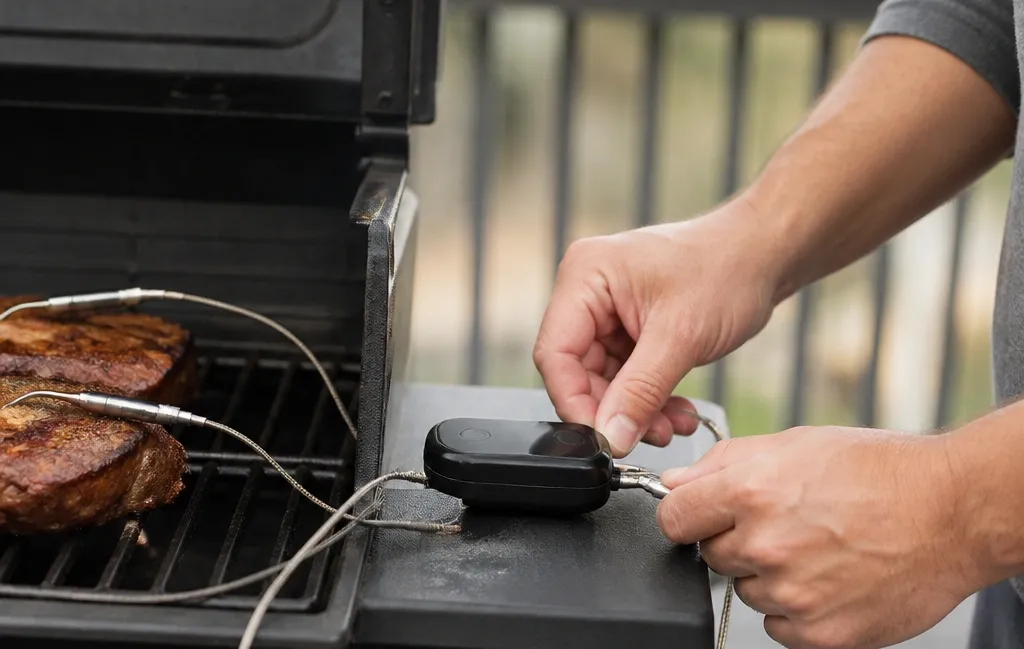
The most effective fix is to reduce the number of obstacles between the probe and the receiver. If you are using a thermometer that comes with a charging block or booster, do not leave that block in the kitchen. Place it as close to the grill as safety allows, usually within five to ten feet.
- Avoid Ground Placement: Do not put the receiver on the ground. Grass, soil, and concrete absorb signals. Place it on a side shelf or a wooden table.
- Window Logic: If you are monitoring from inside, try to stay near a window that looks out at the grill. Standard drywall is okay, but brick, stone, and Low-E glass (which contains a thin metal coating for insulation) are notorious for killing Bluetooth signals.
2. Check for Interference
Other devices in your home use the same 2.4 GHz frequency as your meat thermometer. A running microwave is a common culprit for dropped signals because it leaks enough radio frequency noise to drown out the tiny signal from a thermometer probe.
- Other Bluetooth Devices: If you have multiple Bluetooth speakers, smartwatches, and headphones active nearby, the noise floor rises, making it hard for your phone to hear the probe.
- Wi-Fi Crowding: If your thermometer uses Wi-Fi, ensure your router is not overloaded with streaming devices while you are trying to monitor your cook.
3. Maintain the Probe Tips
The back end of a wireless probe—the part that stays outside the meat—is where the antenna is located. If this end gets covered in a thick layer of carbonized grease, smoke residue, or burnt sauce, signal strength will suffer significantly.
Clean the ceramic or metal cap of the probe with the abrasive side of a sponge after every use. A shiny, clean cap allows the radio waves to exit the probe more efficiently. Also, ensure the probe is inserted up to the safety notch. If the internal electronics get too hot because they are not shielded by the meat, the transmitter may glitch or shut down to prevent permanent damage. For tips on getting reliable data once your signal is stable, review proper probe insertion techniques to ensure the sensor sits in the thermal center.
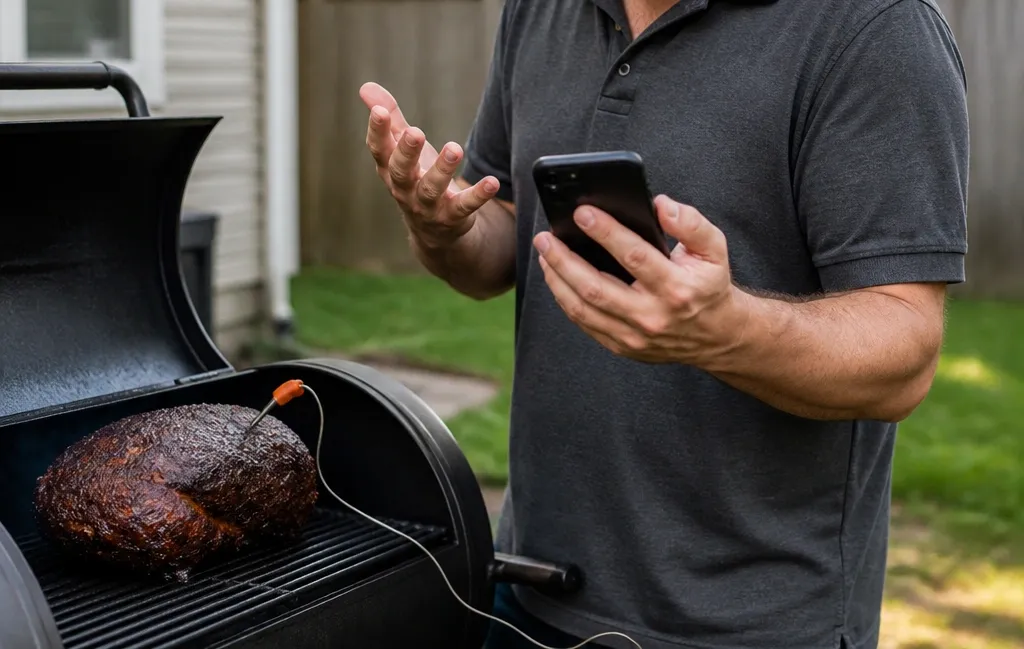
A mobile app showing a lost connection error next to a backyard grill.
Differences Between Bluetooth and Wi-Fi Models
The type of wireless technology your device uses determines the best fix for its connection issues. Choosing the wrong technology for your cooking style guarantees frustration.
Bluetooth Probes
These are the most common truly wireless options. Their main limitation is distance. If you walk to the other side of your house, you will likely lose the signal. The fix here is almost always a repeater. Many brands now include a base station that catches the short-range Bluetooth signal and then sends it to your phone via your home Wi-Fi network.
When shopping for a new setup, prioritize models with dedicated reliable Bluetooth bridges that sit outside with the grill rather than relying solely on your phone's internal antenna.
Cloud and Wi-Fi Probes
These connect directly to your home network. Theoretically, you could go to the grocery store and still see your grill temperature. If these lose connection, the issue is usually your router's outdoor range.
Since grills are often on patios far from the center of the home, the Wi-Fi signal outside might be one bar or less. Adding a simple Wi-Fi extender near the back door can solve this permanently. However, if your internet goes down, your thermometer app goes down with it.
Edge Cases and Manufacturer Quirks
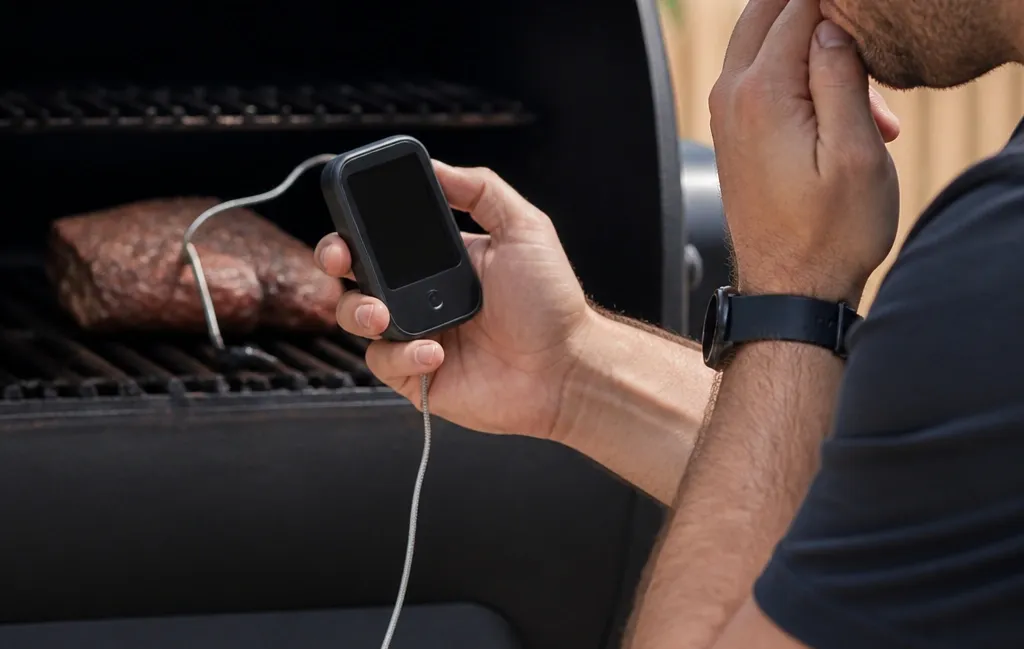
Not all disconnects are caused by physics; sometimes the software is to blame. Modern smartphones aggressively manage background apps to save battery life, which frequently interferes with continuous monitoring tools.
Smartphone Permission Errors
Most modern thermometers require specific "Location" or "Nearby Devices" permissions on your smartphone to maintain a Bluetooth handshake. On current versions of iOS and Android, if you have not granted "Always Allow" location access or background refresh permissions, the operating system might kill the app's background process the moment you switch screens. This looks exactly like a lost connection. Go into your phone settings and ensure the thermometer app is allowed to run continuously in the background.
Heat Soaking and Thermal Limits
Another uncommon but real issue is heat soaking. If your grill temperature exceeds the rated limit of the thermometer—usually around 500°F to 550°F for the ambient sensor—the transmitter may temporarily fail. This is incredibly common during high-heat reverse searing. If your signal drops only when you are cooking at maximum heat, the hardware is protecting itself from melting. Remove the probe during extreme sears and reinsert it once temperatures stabilize.
Common Mistakes That Cause Dropouts
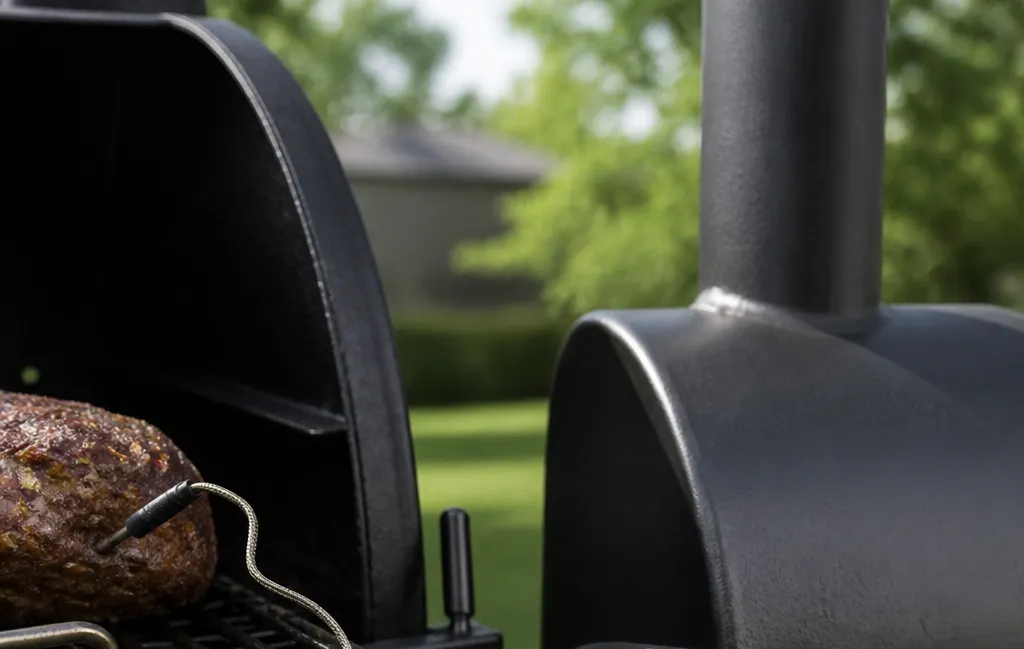
Many users assume that a "long-range" thermometer will work through anything, but even the best technology has physical limits. Avoiding these misconceptions will save you hours of troubleshooting.
- The Metal Box Myth: Some believe that if their thermometer is rated for 150 feet, it will work from 150 feet away inside a house. That rating is almost always "Line of Sight," meaning 150 feet in an open field. Inside a home with walls and appliances, that range might drop to 30 feet.
- Cracking the Lid: Leaving the grill lid open slightly to let the signal out is a terrible mistake. It ruins your temperature control, wastes fuel, and dries out your food. Instead, move the receiver closer to the closed lid.
- Multiple Phones Connected: Trying to connect two different phones to the same probe simultaneously can cause pairing collisions, leading to both devices dropping the signal. Stick to one primary device for monitoring, or use a base station that broadcasts to multiple devices safely.
- Ignoring Accuracy Drift: Sometimes what appears to be a connection drop is actually the probe failing to transmit valid data due to calibration drift. Verifying your device against our guide to finding the most dependable sensors ensures you aren't fighting a broken tool.
Signal Strength Troubleshooting Table
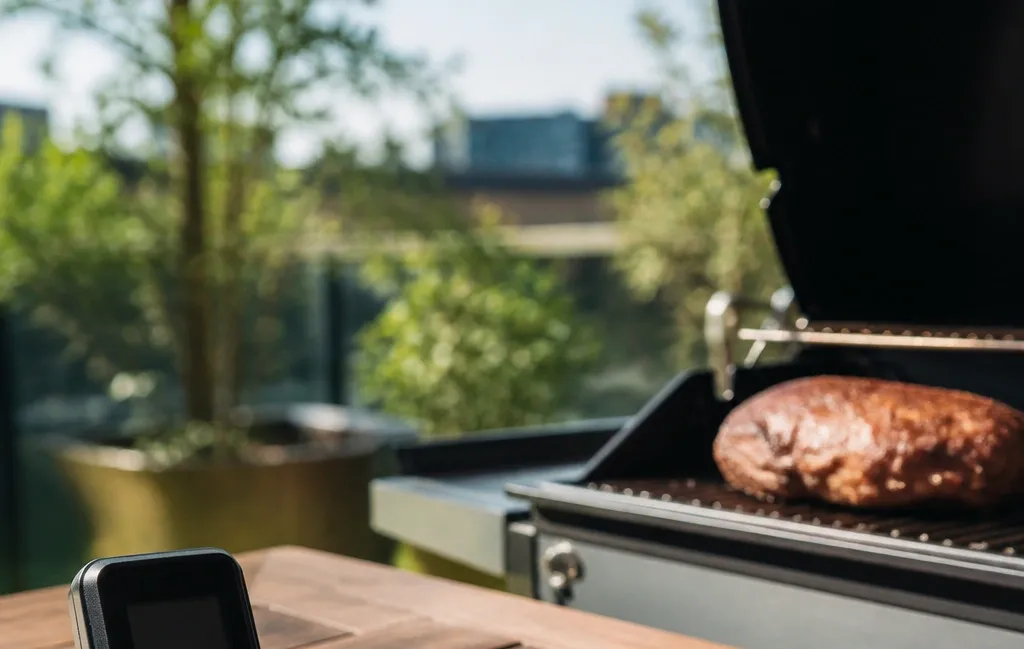
Use this quick-reference chart to diagnose your specific dropout pattern. Matching the symptom to the cause cuts troubleshooting time in half.
| Symptom | Likely Cause | Quick Fix |
|---|---|---|
| Signal drops immediately when you go inside | Wall interference (Brick, Stone, Low-E Glass) | Move closer to a standard glass window or exterior door. |
| Pulse-like drops (connecting and disconnecting rhythmically) | Low battery in probe or base station | Charge the probe for the full manufacturer-recommended cycle. |
| Immediate loss when the grill lid closes | Heavy metal shielding / Faraday effect | Place the repeater or base station directly on the grill's side shelf. |
| Signal lost consistently after 20-30 minutes | Smartphone app sleep settings | Change phone OS settings to allow "Always" background activity for the app. |
| Drops only during high-heat searing | Thermal protection shutdown | Remove probe during sears above 500°F; reinsert for resting phase. |
When to Consider Upgrading Your Equipment
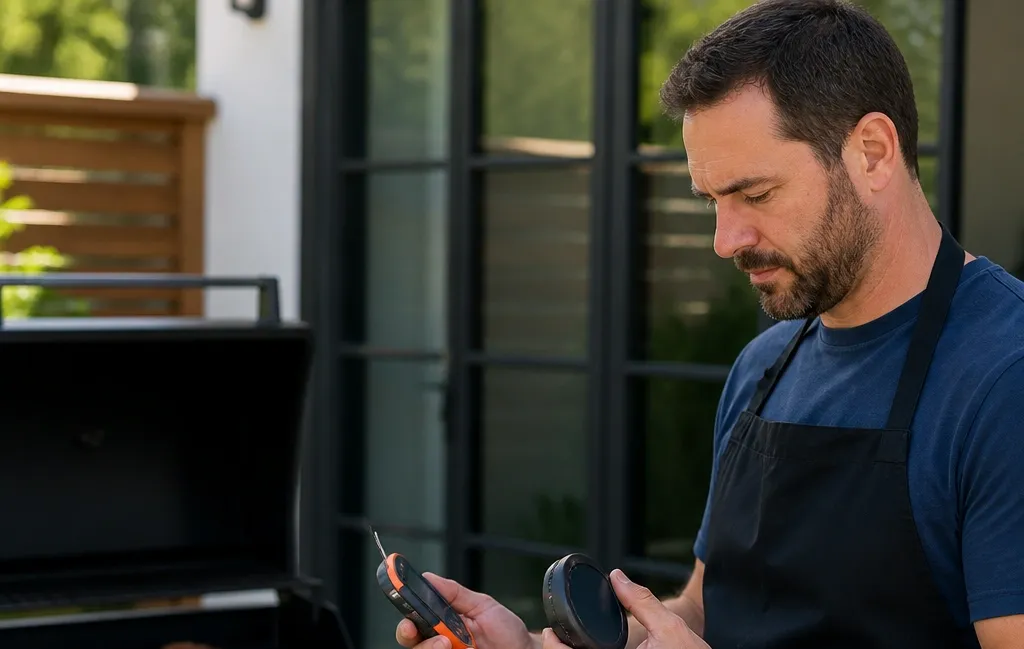
If you have optimized placement, checked permissions, and verified your battery, but the signal still fails, your hardware might simply be outmatched by your cooking environment. Thick kamado-style ceramic smokers and massive offset steel pits are notoriously hostile to wireless signals.
Upgrading to a newer generation probe with a stronger antenna or switching to a hybrid system that utilizes a wired connection to an external transmitter can eliminate the problem entirely. Before spending money, cross-reference your current model with top-rated alternatives built for heavy-duty outdoor cooking. Sometimes, moving from a pure Bluetooth setup to a Wi-Fi bridged system is the only way to guarantee stability across a large property.
Additionally, if you suspect your probe is transmitting intermittently because the internal sensor is failing rather than the antenna, check for signs of erratic temperature readings which often precede total signal death.
Frequently Asked Questions

Does aluminum foil block the signal of a wireless thermometer?
Yes, wrapping your meat entirely in aluminum foil creates a metal shield that can almost entirely block Bluetooth and Wi-Fi signals. If you need to wrap your meat during a stall, try to keep the antenna end of the probe sticking out slightly past the foil edge. Otherwise, accept that you may need to use a wired probe for that specific stage of the cook.
Why does my thermometer disconnect only when the grill gets hot?
Heat increases electrical resistance inside the probe's components. If the internal electronics are nearing their thermal limit, the transmission power can fluctuate or shut down entirely. Make sure the probe is inserted deep enough into the cool center of the meat to protect the internal battery and transmitter from ambient grill heat.
Can I use a wireless thermometer inside a thick cast-iron Dutch oven?
Standard Bluetooth thermometers will almost never work inside a closed cast-iron Dutch oven. The thick iron is simply too dense for the 2.4 GHz signal to escape. For Dutch oven cooking, a wired probe with a thin, heat-resistant cable that runs under the lid to an external transmitter is a much more reliable choice.
Why does my phone say "Searching" even when I am standing next to the grill?
This is often a software handshake error rather than a signal strength issue. Try toggling your phone’s Bluetooth off and on again to force a fresh scan. If that fails, place the probe back in its charger for 30 seconds to hard-reset the transmitter, then attempt to pair again.
Are Wi-Fi thermometers better than Bluetooth for preventing disconnects?
Wi-Fi thermometers offer vastly superior range, allowing you to monitor cooks from anywhere with an internet connection. However, they are dependent on your home network's stability. If your patio has poor Wi-Fi coverage, a Bluetooth probe paired with a dedicated local base station sitting on the grill shelf is often more reliable than a weak Wi-Fi connection.
Conclusion
A wireless meat thermometer is an incredible tool, but it operates within strict physical boundaries dictated by radio frequencies, metal density, and battery voltage. When your device keeps losing connection, the solution is rarely a defective product—it is almost always an environmental obstacle or a software restriction on your phone.
By understanding how water, steel, and distance degrade the 2.4 GHz signal, you can position your receiver correctly, manage your smartphone permissions, and avoid common pitfalls like cracking the lid or draining the battery mid-cook.
Your Next Step: Before your next long smoke, take five minutes to adjust your smartphone's background app permissions for your thermometer software and place your base station on the grill's side shelf rather than inside the house. That single adjustment resolves the majority of connection drops immediately.




1 thought on “Wireless Meat Thermometer Keeps Losing Connection? Here’s the Fix”