Temperature resolution on a thermometer is the smallest change in temperature the device can detect and display. If a digital thermometer shows 150.5°F, its resolution is 0.1°F. It can't show 150.55°F because it only reads in tenths of a degree.
Understanding what temperature resolution means on a thermometer helps you pick the right tool for your cooking. A high-resolution probe catches tiny shifts during candy making. A lower-resolution dial works fine for checking if your oven runs hot.
This article covers how resolution differs from accuracy, why it matters for specific kitchen tasks, and how to read it on a spec sheet.
How Resolution Differs From Accuracy
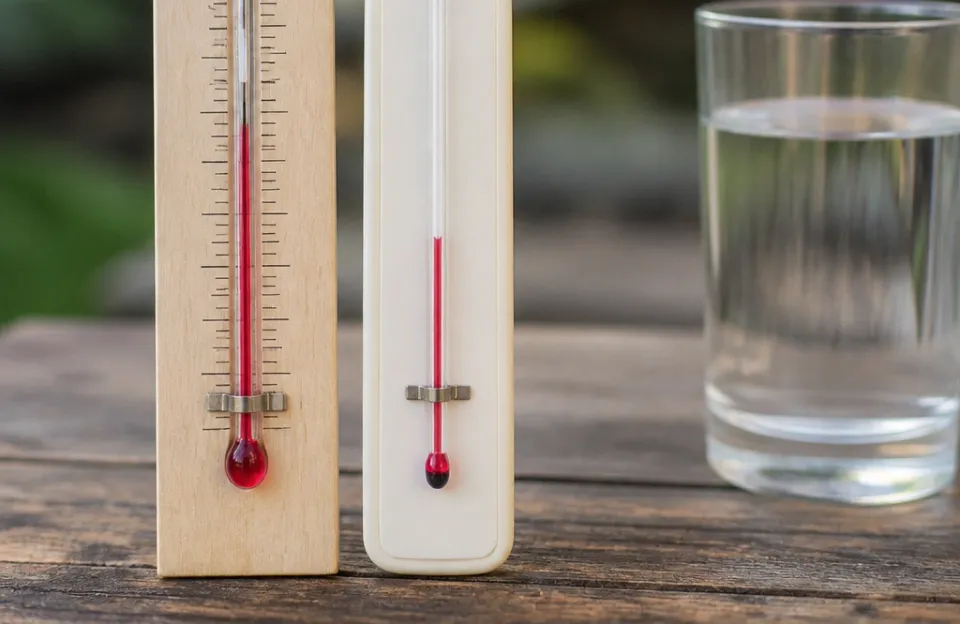
People mix up resolution and accuracy all the time. They measure two different things.
Resolution is about detail. It tells you how finely the thermometer divides the temperature scale. A reading that jumps from 99°F straight to 100°F has a 1-degree resolution.
One that moves from 99.1°F to 99.2°F has a 0.1-degree resolution.
Accuracy is about truth. It tells you how close the displayed number is to the actual physical temperature. A thermometer with 0.1°F resolution might still be off by 2°F if the sensor is poorly calibrated.
High detail doesn't guarantee correct numbers. You need both for reliable cooking. The National Institute of Standards and Technology sets the baseline standards for how these measurements are tested and verified in manufacturing.
You can have great resolution and poor accuracy. You can also have low resolution and perfect accuracy. For everyday cooking, accuracy usually matters more.
For precise tasks like tempering chocolate or pulling pork at the exact stall point, you want both working together.
Why Tenths of a Degree Matter in Cooking
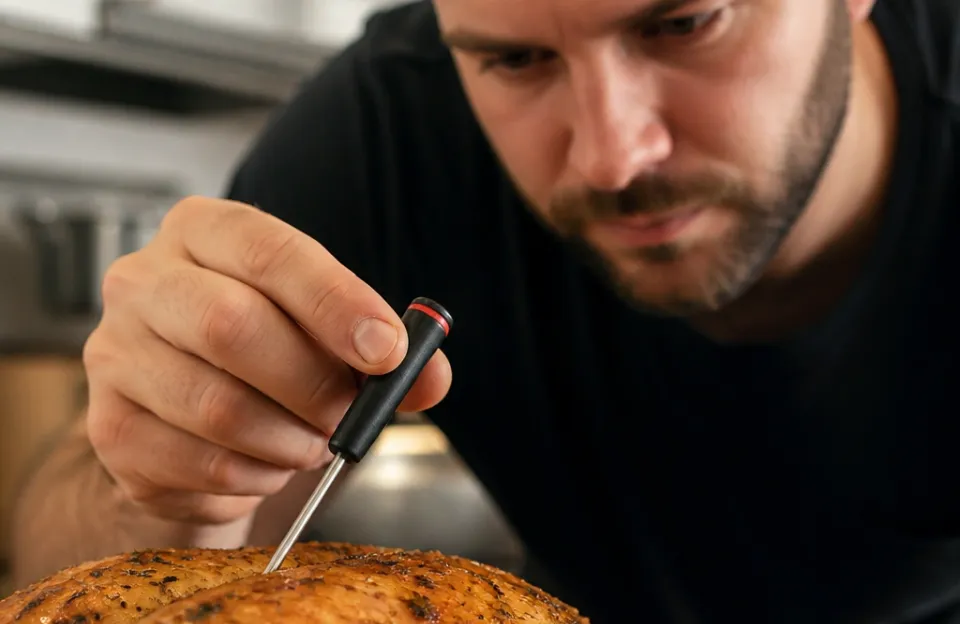
Most standard kitchen thermometers display whole degrees. That's fine for roasting a chicken where the target is 165°F. Being off by half a degree won't ruin dinner.
But some recipes demand tighter control. Sugar syrups change state within a few degrees. The difference between soft ball stage and hard crack stage is narrow.
If your thermometer only updates in full degrees, you might overshoot the syrup before the screen changes. A device that reads in 0.1-degree increments gives you a heads-up. You see the trend moving upward and pull the pot off the heat at the right second.
Meat smoking relies on small trends too. When smoking brisket, the internal temperature stalls around 150°F to 170°F. Watching a probe with fine resolution lets you see micro-changes during that stall.
You know when the collagen is breaking down and when the meat is pushing through. Tools like a dual-probe setup let you track ambient smoker temp and meat temp simultaneously, making those tiny shifts easier to spot.
Reading Resolution on a Spec Sheet
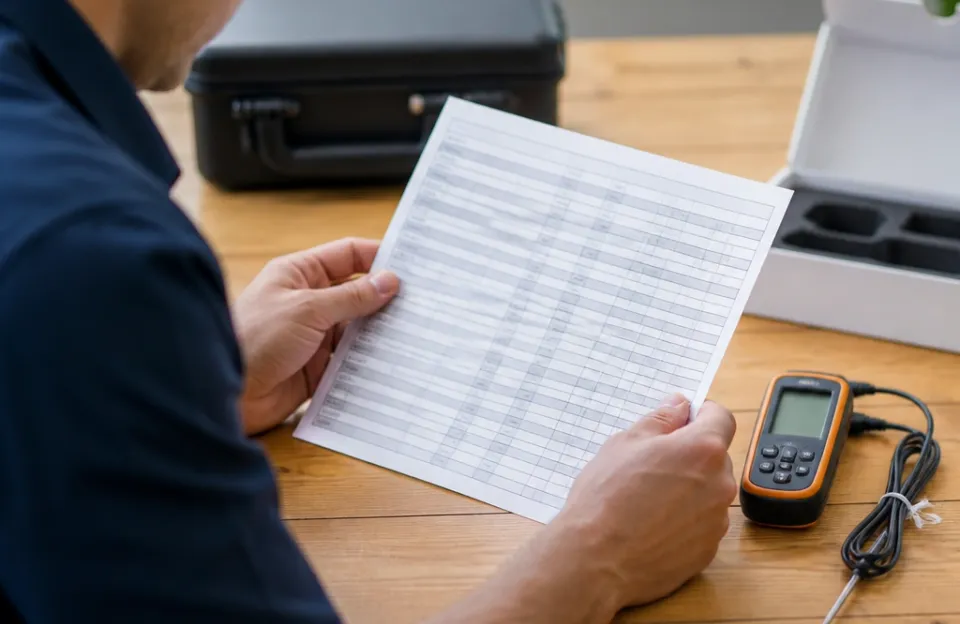
Manufacturers list resolution in the technical specifications. Look for terms like "display resolution" or just "resolution." It's usually written as 0.1°C/°F or 1°C/°F.
Some cheaper models hide this detail. If the box only says "measures from 0 to 500°F," check the manual or the product page for the step size. If you're buying an instant-read model for fast checks, verify the step size before you buy so you aren't stuck guessing between whole numbers.
Analog dial thermometers don't have a digital resolution. Their limit is determined by how close the printed lines are on the face. If the marks are spaced every 5 degrees, estimating anything finer is a guess.
Digital screens remove that ambiguity.
Here is how common kitchen thermometer types generally compare:
| Thermometer Type | Typical Resolution | Best Used For |
|---|---|---|
| Analog Oven Dial | 5°F to 10°F | General baking, checking oven calibration |
| Basic Digital Probe | 1°F / 1°C | Roasting poultry, checking casseroles |
| Precision Digital | 0.1°F / 0.1°C | Candy making, tempering chocolate, smoking |
| Infrared Gun | 0.1°F / 0.1°C | Surface temps, pizza stones, pan heating |
Does Higher Resolution Slow Down the Reading?
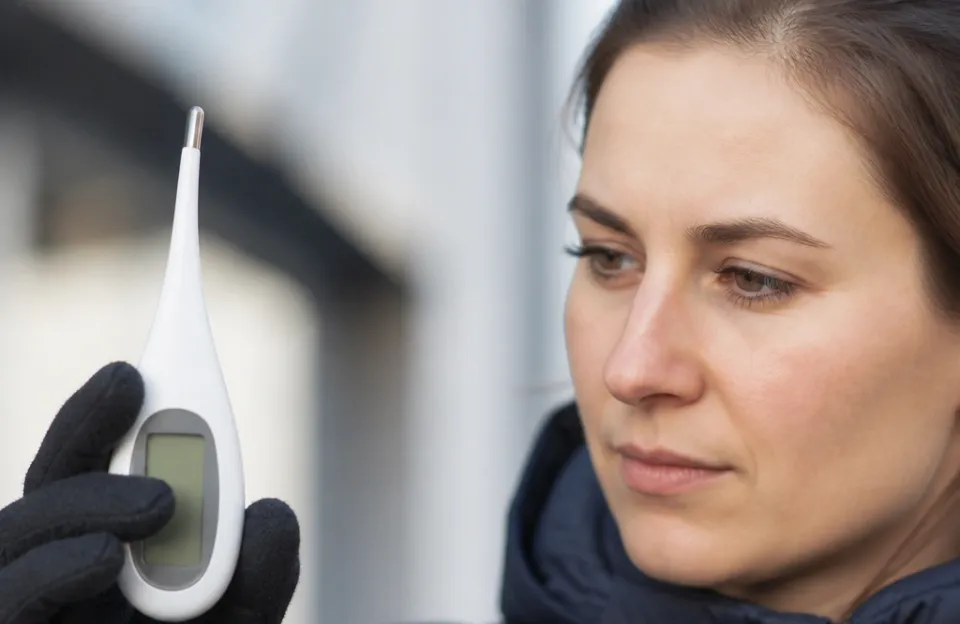
Sometimes. Processing finer temperature steps requires the sensor and chip to average more data points. This can add a fraction of a second to the reading time.
In practice, you won't notice the delay. A fast one-second reader still delivers near-instant results even while calculating tenths of a degree. The processor handles the math quickly enough that the speed remains practical for busy kitchens.
The real trade-off isn't speed. It's stability. A highly sensitive probe might flicker rapidly if you move it around inside a piece of meat.
The last digit jumps constantly. To get a stable 0.1°F reading, you need to hold the probe still in the thermal center. If you prefer a steady number without waiting, a 1°F resolution model settles faster visually.
When You Don't Need Fine Detail
Don't pay extra for precision you won't use. If you mostly bake bread or roast vegetables, a 1-degree resolution is plenty. Bread is done around 190°F to 210°F.
Hitting 190.4°F versus 190.6°F changes nothing about the crumb structure.
Checking your oven's baseline temperature is another low-stakes task. Hanging a large dial thermometer inside the cavity tells you if your oven runs 25 degrees hot. You don't need tenths of a degree to adjust the dial or compensate in your recipe.
Deep frying sits in the middle. Oil temperature fluctuates heavily when food drops in. A stainless steel fry thermometer tracks the recovery well enough with standard markings.
Chasing 0.1-degree stability in a pot of bubbling oil is pointless.
Surface readings work differently than internal ones. If you're pointing a laser temperature gun at a cast iron skillet, the surface cools unevenly. The high resolution shows you exactly how fast the pan loses heat when you drop a steak in.
That data is genuinely useful for searing.
Matching the Tool to Your Kitchen Routine
Think about what you cook most often before choosing based on specs alone.
If you smoke meats low and slow over many hours, fine resolution helps you manage the fire. You can pair a rechargeable wireless probe with an app to log those micro-changes over time. Seeing the temperature curve smooth out tells you your pit is stable.
For quick weeknight dinners, speed beats detail. Grabbing a fast grilling probe to check burgers means you want an answer immediately. A 1°F resolution is completely adequate for ground beef safety targets.
The USDA recommends cooking ground meat to 160°F, a whole number that doesn't require decimal tracking.
Candy makers and bakers working with sugar or chocolate should prioritize the 0.1°F models. Those materials change physical states abruptly. Missing the window by one degree ruins the batch.
Frequently asked questions

Can I trust the last digit on a 0.1-degree thermometer?
Usually, yes, provided the thermometer is calibrated. However, the last digit may fluctuate if the probe isn't seated firmly in the food. Hold the tip steady in the thickest part of the meat to let the reading settle before recording the number.
Does resolution affect battery life?
Higher resolution processing uses marginally more power, but the display itself draws the most energy. Leaving the backlight on or using a wireless transmitter drains the battery much faster than the math required to calculate tenths of a degree.
Is 0.1°C the same level of detail as 0.1°F?
No. A Celsius degree is larger than a Fahrenheit degree. Therefore, 0.1°C represents a bigger temperature jump than 0.1°F.
A thermometer showing 0.1°F increments provides finer detail than one showing 0.1°C increments.
Why does my thermometer jump between two numbers?
This happens when the actual temperature falls exactly between two resolution steps. The sensor detects the intermediate value and rounds up and down alternately. Moving the probe slightly deeper into the food usually stabilizes the reading.
Do analog thermometers have resolution?
They have a visual limit rather than a digital one. The resolution depends on how closely the hash marks are printed on the dial. You estimate values between the lines, which introduces human error.
Picking the Right Detail Level
Knowing what temperature resolution means on a thermometer stops you from overbuying or underbuying. Match the spec to your food. Sugar work and long smokes benefit from fine decimal steps.
Everyday roasting and baking do perfectly well with whole numbers. Check the spec sheet, understand the difference between detail and truth, and grab the tool that fits your actual routine.