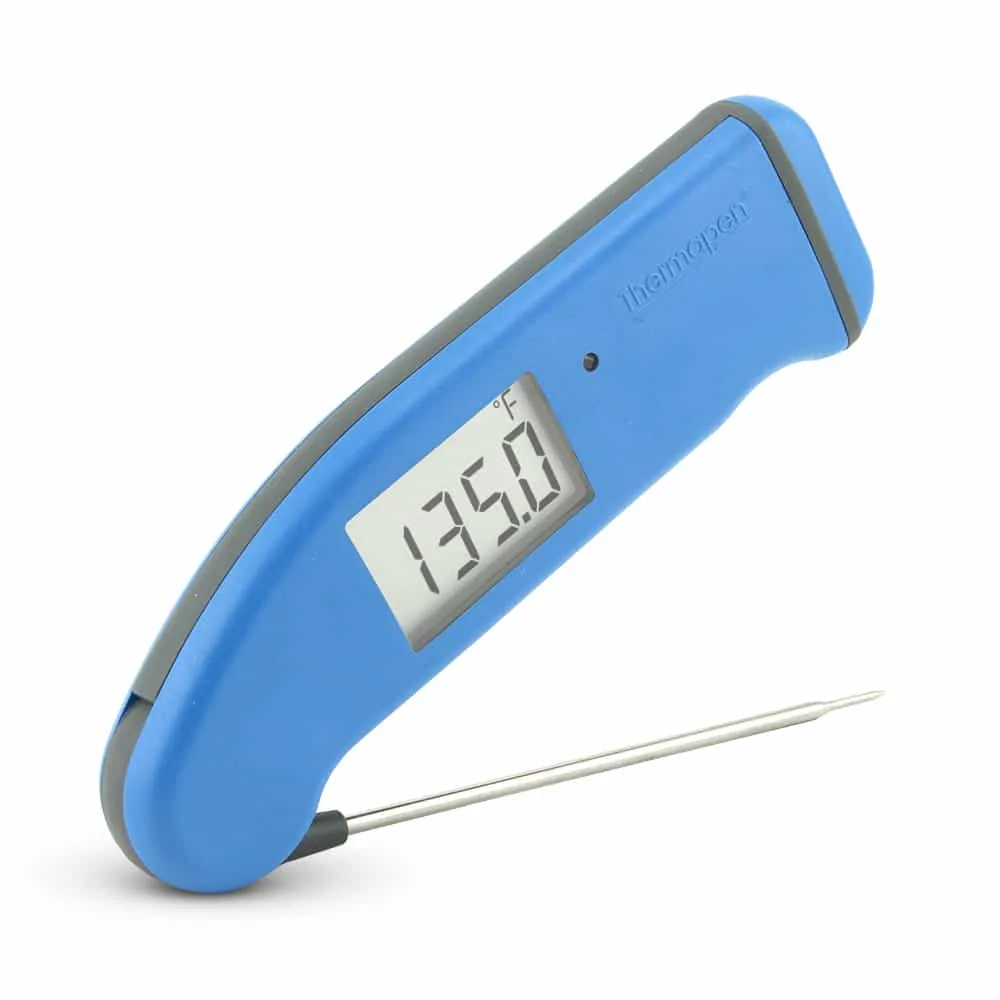
You’ve spent an hour prepping a prime rib or a delicate salmon fillet. You slide the probe into the center of the roast, expecting to see a climb toward 130°F, but the screen stubbornly hovers at 72°F. It feels like the device is simply ignoring the heat of the oven and the sizzle of the meat.
This isn’t just a minor glitch; it’s the difference between a perfect meal and a food safety hazard.
Quick Answer: Your meat thermometer usually reads room temperature because the sensor is not making proper contact with the thermal center of the meat, the probe has a broken internal wire, or the device needs calibration. If the probe is pushed too far through or rests in a fat pocket, it may fail to register the actual muscle temperature.
The Core Reason: Sensor Misplacement and Heat Transfer
The most common reason a thermometer mimics room temperature while buried in meat is that the temperature sensor is not actually where you think it is. Most people assume the very tip of the metal spike is the only part that reads heat. While this is true for high-end thermocouples, many common digital thermometers have a “sensor zone” that extends a half-inch or more up the probe.
If that sensor zone is exposed to the air inside the oven or the ambient air in your kitchen, it will “average” the reading. The metal of the probe is a great conductor, but if the air is hitting the sensor more than the meat is, the display will stay low. This often happens with thin cuts of meat like chicken breasts or burgers where the probe enters at an angle and exits the other side, leaving the sensor hanging in the breeze.
Another physical reality is “bridge” cooling. If the probe is thick and made of heavy stainless steel, it can actually pull heat away from the spot it is touching. If the meat is cold from the fridge and the probe is sitting in a pocket of air or loose tissue, the lack of “thermal mass” around the sensor prevents it from picking up the rising heat of the surrounding proteins.
The Role of Fat and Bone in False Readings
Fat and bone don’t conduct heat the same way muscle does. If your thermometer probe is resting against a large bone, it might read significantly higher or lower than the meat tissue, depending on how long it has been cooking. Bone reflects heat differently, often acting as an insulator early in the cook.
Fat pockets are even more deceptive. Fat is an insulator. If the tip of your probe is buried in a glob of cold fat inside a marbled steak, it can read room temperature long after the muscle around it has reached a medium-rare state.
This is why “hitting the center” is more than just a phrase, it is a requirement for physical accuracy.
Probe Damage and Internal Wire Failure
If you’ve checked the placement and the reading still won’t budge from 70°F or 75°F, you likely have a hardware failure. Most digital meat thermometers use a thermistor or a thermocouple connected by a thin, braided wire. These wires are fragile.
If the wire gets pinched in a heavy grill lid or submerged in dishwater, the internal connection breaks or shorts out. When the circuit breaks, the thermometer’s brain often defaults to a “base” reading. In some models, this looks like an “LLL” or “ERR” message, but in others, the digital logic just stops at the last stable ambient temperature it recorded before the wire snapped.
Understanding Temperature Sensor Placement
To get an accurate reading, you have to know exactly where your device’s sensor is located. Not all probes are built the same way. The technology inside dictates how deep you need to push the spike to get past a room-temperature reading.
Thermocouples, usually found in more expensive “instant-read” folding thermometers, have the sensor at the very tip. You only need to insert these about an eighth of an inch to get a reading. If you use a cheaper thermistor-style thermometer (the kind with a long wire and a separate base), the sensor is often a small bead located about a half-inch to an inch from the tip.
If you only stick a thermistor probe half an inch into a piece of meat, the actual sensor might still be outside in the air. This is the “room temperature trap.” Always check your manual to see the “dimple” or mark on the probe that indicates the sensor’s location. If there is no mark, assume you need at least an inch of the probe buried inside the thickest part of the food.
The Problem with “Leafy” or Thin Foods
When cooking fish steaks or thin pork chops, it’s nearly impossible to get an inch of metal buried vertically. If you go straight down, the tip hits the pan (which is too hot) or the air (which is too cool). The solution is to go in from the side.
By inserting the probe horizontally through the side of the meat, you keep the entire sensor zone surrounded by protein, shielding it from the room-temperature air.
How to Check if Your Thermometer is Broken
Before you blame the meat, you need to test the tool. The “Room Temp” reading might be a sign that the software has frozen or the sensor has lost its “zero point.” You can verify this in seconds without even turning on the stove.
- The Room Air Test: Hold the probe in your hand. Your body heat should cause the numbers to jump almost instantly. If it stays at 70°F while you are gripping the metal, the sensor is dead.
- The Boiling Water Test: Dip the probe into a pot of boiling water. At sea level, it should hit 212°F (100°C). If it stops at room temperature or climbs very slowly to 110°F and quits, the internal resistor is failing.
- The Ice Bath Test: This is the gold standard for calibration and checking for malfunctions.
How to Perform an Ice Bath Calibration
If your thermometer is stuck on a room temperature reading, an ice bath can often “reset” the logic or show you exactly how far off it is. If the device reads 70°F in a glass of ice water, you know for certain the hardware is the issue.
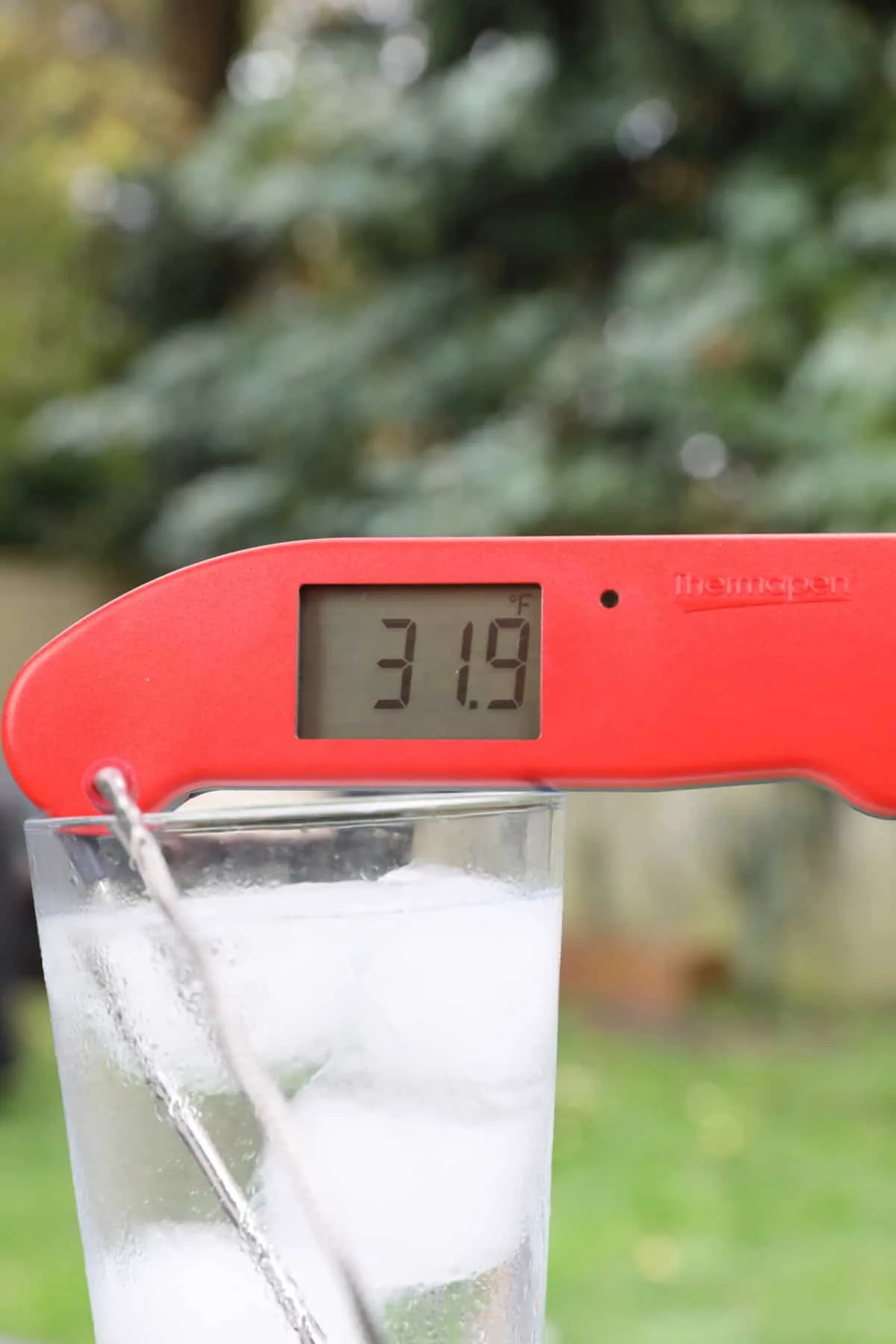
Fill a tall glass with crushed ice all the way to the top. Add just enough cold water to fill the gaps, but don’t let the ice float. Stir it for a minute.
Insert your probe into the center of the ice, making sure not to touch the sides or bottom of the glass. The reading should be 32°F (0°C) within a few seconds. According to the NIST, this is the most reliable way for home cooks to verify accuracy without professional lab gear.
Step-by-Step: Adjusting Your Device Offset
Some mid-range and professional thermometers allow you to “offset” the temperature if the reading is slightly off. If your thermometer is reading room temperature in the meat, it might just be because the “zero” has drifted significantly due to a drop or extreme heat exposure.
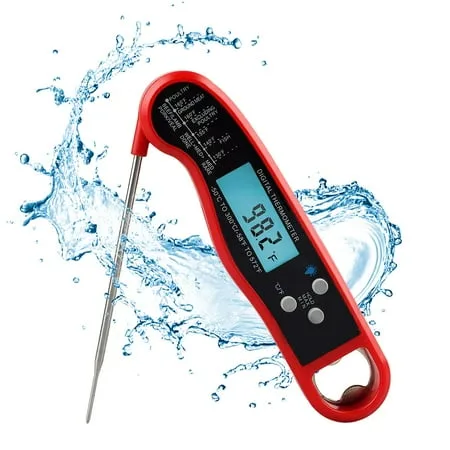
If your device has a “CAL” or “Reset” button, follow these steps:
- Place the probe in the ice bath described above.
- Wait for the reading to stabilize (even if it’s reading incorrectly).
- Press and hold the calibration button until the display blinks.
- Adjust the arrows until the display reads exactly 32°F.
- Release the button to save the setting.
Note that if the thermometer is reading 70°F in an ice bath, no amount of “offset” can fix that. That is a sign of a “fried” sensor, usually caused by moisture getting into the probe’s crimp (where the wire meets the metal) or the probe being exposed to temperatures above its rated capacity (usually 572°F).
Edge Cases: Why Wireless Probes Fail
Wireless “leave-in” probes are becoming more common, but they have a specific flaw that leads to room temperature readings: the “shielding effect.”
These probes have two sensors. One is in the tip (for the meat) and one is in the handle (for the oven/ambient temp). If the probe isn’t pushed into the meat up to the “safety line,” the internal sensor might be close enough to the ambient sensor that the software gets confused.
Some smart thermometers will default to the lower of the two readings or simply display the ambient temp if it detects the internal sensor isn’t “buried” enough to be safe.
Additionally, battery levels in wireless probes affect the voltage sent to the sensor. As the battery dies, the resistance changes, often causing the thermometer to show a “static” room temperature because it doesn’t have enough power to register the change in electrical resistance caused by high heat.
Common Mistakes or Misconceptions
Many cooks face this issue because of a few simple misunderstandings about how heat measurement works in the kitchen.
- Touching the Pan: People often push the probe too far. If the tip touches the bottom of a cast-iron skillet, the conduction heat of the metal is so high it can actually “blind” the sensor, causing it to error out or display a default room temperature.
- Washing the Cable: You should never submerge the wire of a probe thermometer. Water seeps into the braided mesh, reaches the sensor, and creates a short circuit. This often results in the thermometer reading a “frozen” room temperature regardless of what it’s touching.
- Ignoring the “Hold” Button: Many instant-read thermometers have a “Hold” button. If you accidentally press this while the thermometer is on the counter, it will keep displaying 72°F even after you’ve poked it into a boiling pot of soup.
- Cold Start Logic: Some digital models have a “sleep” mode where they don’t refresh the screen unless they detect a change of more than 5 degrees. If you insert a cold probe into meat that is only 10 degrees warmer than the probe, the screen might not wake up immediately.
Quick-Reference: Troubleshooting Chart
| Symptom | Likely Cause | Fix |
|---|---|---|
| Reads 70°F in boiling water | Broken internal sensor/wire | Replace the probe or unit |
| Reads room temp in thin meat | Sensor is in the air | Insert the probe horizontally |
| Reading is stuck/unmoving | “Hold” function is on | Press the Hold/Reset button |
| Numbers jump wildly | Water in the probe cable | Dry the probe in a 200°F oven for 10 mins |
| Stays at room temp in the grill | Probe is in a fat/air pocket | Re-position to the thickest muscle |
Worth Remembering
A meat thermometer reading room temperature while in your food is almost always a physical issue, not a ghostly one. Either the sensor is physically touching air instead of meat, or the delicate wires inside the probe have been compromised by heat or water.
Before you throw it away, try the ice bath test. If it can’t tell the difference between a glass of ice and your kitchen counter, the sensor is likely beyond repair. However, if the ice bath reads 32°F, the problem was simply your aim.
Next time, aim for the thickest part of the muscle, avoid the bone, and ensure the sensor zone is fully submerged in the protein. Accurate cooking relies on better placement just as much as better tools.
Frequently Asked Questions
Can I fix a meat thermometer that is stuck on one temperature?
If the device is stuck due to a software glitch, removing the batteries for 60 seconds often works. If it’s stuck because of water in the probe, you can sometimes “bake” the moisture out by putting the probe (not the plastic base) in a low oven at 200°F for half an hour.
Why does my thermometer read room temp when I’m cooking outside in the cold?
Extreme ambient cold can affect the battery and the LCD screen. If the air is 30°F, the battery might not provide enough voltage for the sensor to accurately measure the 145°F meat. Try keeping the base unit in a pocket or wrapped in a towel to keep the electronics warm.
Is it safe to use a thermometer that is 5 degrees off?
It is safe if you know the offset, but it’s not ideal. If you know your thermometer always reads 5 degrees low, you can pull your meat when it hits 160°F for a 165°F target. However, it’s better to calibrate it or replace it to avoid math errors during a busy dinner.
Why does my instant-read take so long to move past room temp?
This is usually a “response time” issue found in cheaper thermistor thermometers. While high-end probes take 2, 3 seconds, lower-quality ones can take 20, 30 seconds. If you pull the probe out too early, it will look like it never moved past the starting room temperature.



3 thoughts on “Why Does My Meat Thermometer Read Room Temperature Instead of Meat Temp?”